- In this guide
- Is the National ID Accepted by Pag-IBIG Fund?
- Using National ID for Pag-IBIG Registration
- National ID for Membership Verification
- National ID for Pag-IBIG Loan Applications
- National ID for Contribution Payments
- Digital National ID vs Physical Card for Pag-IBIG
- National ID Compared to Other Valid IDs for Pag-IBIG
- Common Issues and Solutions
- Frequently Asked Questions
National ID for Pag-IBIG Fund: Complete Guide 2026
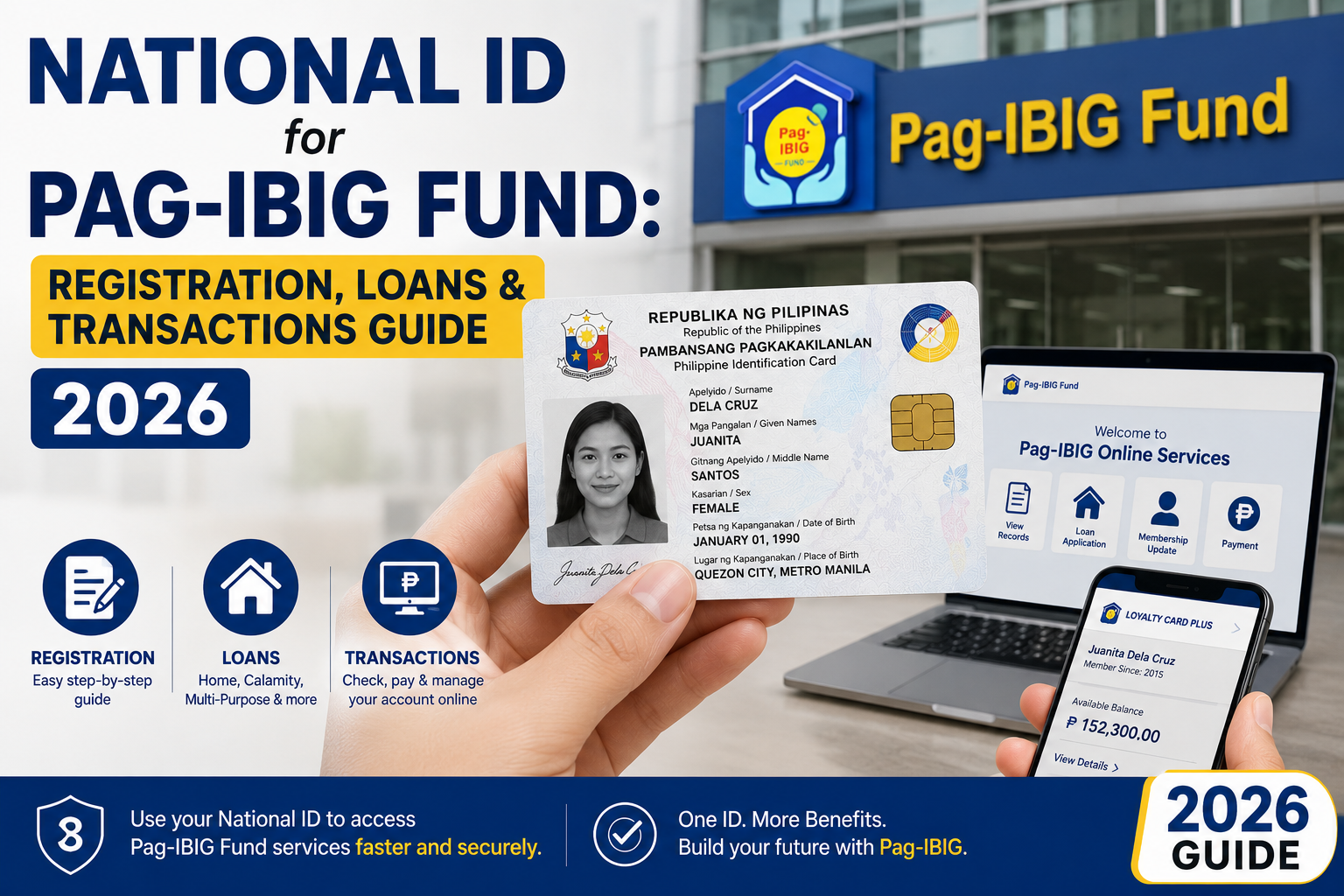
🏠 National ID for Pag-IBIG Fund — your PhilID as valid identification for all Pag-IBIG services
In this guide
- Is the National ID accepted by Pag-IBIG?
- Using National ID for Pag-IBIG registration
- National ID for membership verification
- National ID for Pag-IBIG loan applications
- National ID for contribution payments
- Digital National ID vs physical card
- National ID compared to other valid IDs
- Common issues and solutions
- Frequently asked questions
Is the National ID Accepted by Pag-IBIG Fund?
Yes. The Philippine National ID (PhilID) is fully accepted by the Pag-IBIG Fund (Home Development Mutual Fund) as a valid government-issued identification document. Under Republic Act No. 11055, the Philippine Identification System Act, all government agencies — including Pag-IBIG — are mandated to accept the National ID as sufficient proof of identity for all transactions.
Legal basis for acceptance
Section 12 of RA 11055 states that the PhilID “shall be honored and accepted as the official government-issued identification document of a registered person in all government and private transactions.” This includes all Pag-IBIG Fund services — from membership registration to loan applications and benefit claims.
Pag-IBIG has publicly confirmed the acceptance of the National ID through official advisories and circulars. You can verify this directly through the
Pag-IBIG Fund official website or by contacting their customer service.
Using National ID for Pag-IBIG Registration
If you’re registering for a new Pag-IBIG membership — whether as a mandatory or voluntary member — your National ID can serve as your primary proof of identity. Here’s how the process works:
Online registration (Virtual Pag-IBIG)
- 1
Visit the Virtual Pag-IBIG portal at the Pag-IBIG website and create an account. - 2
Fill out the online membership registration form. Provide your personal details exactly as they appear on your National ID. - 3
Upload a photo or scan of your National ID as your identification document. Both the front (with photo) and back of the card may be required. - 4
Complete any additional verification steps as prompted by the system. Your PhilSys Number (PSN) from your National ID may be requested for cross-referencing. - 5
Receive your Pag-IBIG MID Number after successful registration. Keep this number for all future transactions.
In-person registration at a Pag-IBIG branch
For branch registration, simply present your physical National ID card or your digital National ID (via the eGovPH app) to the Pag-IBIG officer. The PhilID alone is sufficient — you typically do not need to present a second ID when using your National ID.
National ID for Membership Verification
Once you’re a Pag-IBIG member, your National ID can be used to verify your membership when accessing various Pag-IBIG services, both online and in person. This is particularly useful for:
- Online account verification: The Virtual Pag-IBIG portal may use your National ID details to verify your identity when you log in or perform sensitive transactions.
- Branch transactions: When visiting a Pag-IBIG branch for inquiries, updating records, or filing claims, present your National ID for quick identity verification.
- Employer verification: Your employer may use your National ID to verify your identity when processing your mandatory Pag-IBIG contributions.
National ID for Pag-IBIG Loan Applications
The National ID is accepted as valid identification for all Pag-IBIG loan types, including:
- Housing Loan: For home purchase, construction, renovation, or refinancing.
- Multi-Purpose Loan (MPL): A cash loan for members with sufficient contributions.
- Calamity Loan: For members affected by declared calamities.
Documents typically required alongside your National ID
While the National ID serves as your primary identification, Pag-IBIG loan applications usually require additional documents depending on the loan type:
- For Housing Loans: Proof of income, title documents, tax declarations, and other property-related documents.
- For MPL and Calamity Loans: Proof of income or employment, and possibly a barangay certificate for calamity loans.
Your National ID streamlines the identification portion of the application, but does not replace income or property documentation.
When submitting a loan application through the Virtual Pag-IBIG portal, you may be asked to upload a copy of your National ID as part of the document requirements. Ensure the uploaded image is clear and both sides of the card are visible if required.
National ID for Contribution Payments
Your National ID can be used to facilitate Pag-IBIG contribution payments in the following ways:
- Identity verification at payment centres: When paying at authorised Pag-IBIG collecting partners (such as Bayad Center, SM Bills Payment, GCash, Maya, etc.), your National ID may be requested for identity verification alongside your Pag-IBIG MID Number.
- Online payment setup: The Virtual Pag-IBIG portal uses your verified identity (confirmed through your National ID) to allow you to generate payment reference numbers and track your contribution history.
- Employer remittance verification: If there’s a dispute about your contributions, your National ID helps Pag-IBIG verify your identity when you inquire about your records.
Digital National ID vs Physical Card for Pag-IBIG
Both the digital National ID (ePhilID) accessed through the eGovPH app and the physical PhilID card are accepted by Pag-IBIG. Here’s how they compare in practical use:
| Feature | Physical National ID Card | Digital National ID (eGovPH) |
|---|---|---|
| Branch transactions | ✅ Fully accepted — present the physical card | ✅ Accepted — show the digital ID on your phone |
| Online uploads | ✅ Can be scanned or photographed for upload | ✅ Screenshot or PDF of digital ID can be uploaded |
| QR verification | ❌ Physical card does not have a QR code | ✅ QR code allows instant verification by Pag-IBIG officers |
| Offline access | ✅ Always accessible — no device needed | ⚠ Requires phone with the eGovPH app installed |
| Risk of loss | ⚠ Physical card can be lost or damaged | ✅ Can be re-downloaded on a new device |
National ID Compared to Other Valid IDs for Pag-IBIG
Pag-IBIG accepts a range of government-issued IDs. Here’s how the National ID compares to other commonly used identification documents:
| ID Type | Accepted by Pag-IBIG? | Advantage of National ID |
|---|---|---|
| Philippine National ID (PhilID) | ✅ Yes | Single, unified ID — no need for multiple cards |
| UMID Card | ✅ Yes | National ID is free; UMID may involve fees |
| Passport | ✅ Yes | National ID is cheaper and easier to obtain |
| Driver’s License | ✅ Yes | Not everyone has a license; National ID is universal |
| Postal ID | ✅ Yes | National ID has no expiration; Postal ID expires |
| Barangay Certificate | ⚠ Limited acceptance | National ID is accepted for all transactions |
Common Issues and Solutions
Issue: Pag-IBIG officer does not accept the digital National ID
Solution: This is rare but can happen. Politely inform the officer that under RA 11055, the digital National ID carries the same validity as the physical card. You may also show the official PhilSys advisory. If the issue persists, ask to speak with a supervisor or visit a different Pag-IBIG branch.
Issue: Name mismatch between National ID and Pag-IBIG records
Solution: Visit a Pag-IBIG branch and request a membership record update. Bring your physical National ID and any supporting documents (such as a PSA birth certificate) to correct discrepancies. Ensure your name is spelled exactly the same across all government records.
Issue: National ID not yet received — can I still transact with Pag-IBIG?
Solution: Yes. While waiting for your physical National ID, you can use other valid IDs such as a passport, driver’s license, UMID, or Postal ID. You may also check if your digital National ID is available through the eGovPH app — some registrants can access it before the physical card arrives.
Frequently Asked Questions