Independent guide — not affiliated with PSA or PhilSys

Your Complete Guide to the
Philippine National ID
in 2026

Everything you need to know about applying, tracking, and downloading your PhilSys National ID — explained simply, with no government jargon.

100% Free to Register
110M+ Filipinos Covered
RA 11055 Legal Basis
ePhilID Digital Version Available

What Do You Need Help With?

Jump straight to the guide you need.

📋

Apply for National ID

New to PhilSys? Get a step-by-step walkthrough of the full registration process.

Start Application Guide
📍

Track ID Status

Already registered? Check where your physical National ID is right now.

Track My National ID
📄

Requirements List

See the exact documents you need before going to your registration center.

View Requirements
📲

Download Digital ID

Get your ePhilID instantly via the eGovPH app — no waiting for delivery.

Get ePhilID Now
🔧

Fix Problems

Wrong details, failed tracking, or delivery issues? We have solutions for common problems.

Fix My Problem
🆔

Lost ID Guide

Lost your National ID? Learn what to do and how to request a replacement.

Lost ID Steps

How to Apply for National ID in the Philippines (2026 Guide)

Follow these steps in order. The entire process is free — never pay anyone to register for PhilSys.

1

Pre-register Online Online

Go to the official PSA registration portal at register.philsys.gov.ph and fill out your personal information. This creates your appointment slot and saves time at the registration center.

2

Choose a Registration Center

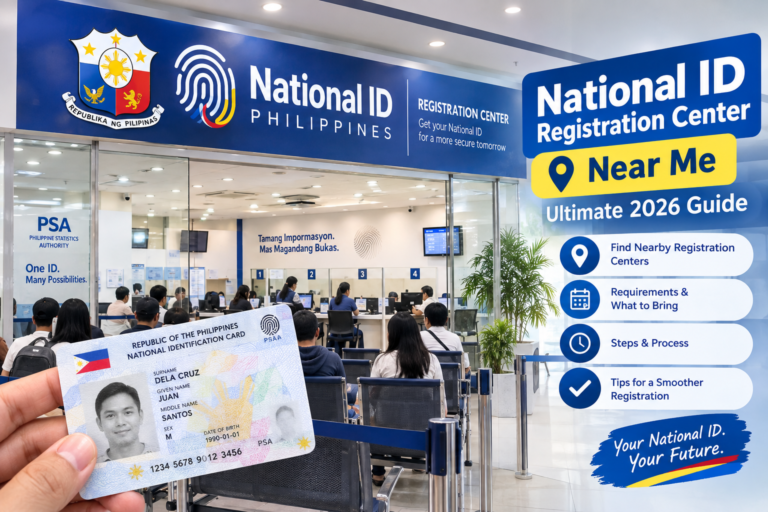
After pre-registering, select a PSA PhilSys registration center near you. You can also register at selected post offices, banks, and government offices. Pick a date and time that works for you.

3

Prepare Your Documents Free

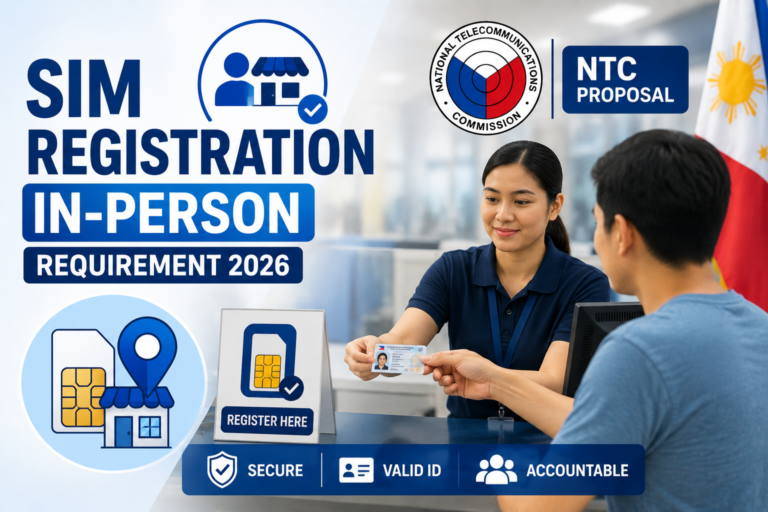
Bring at least one primary ID (like a birth certificate, passport, or driver's license) or two secondary IDs. Originals are required — photocopies alone are not accepted. See the full list below.

4

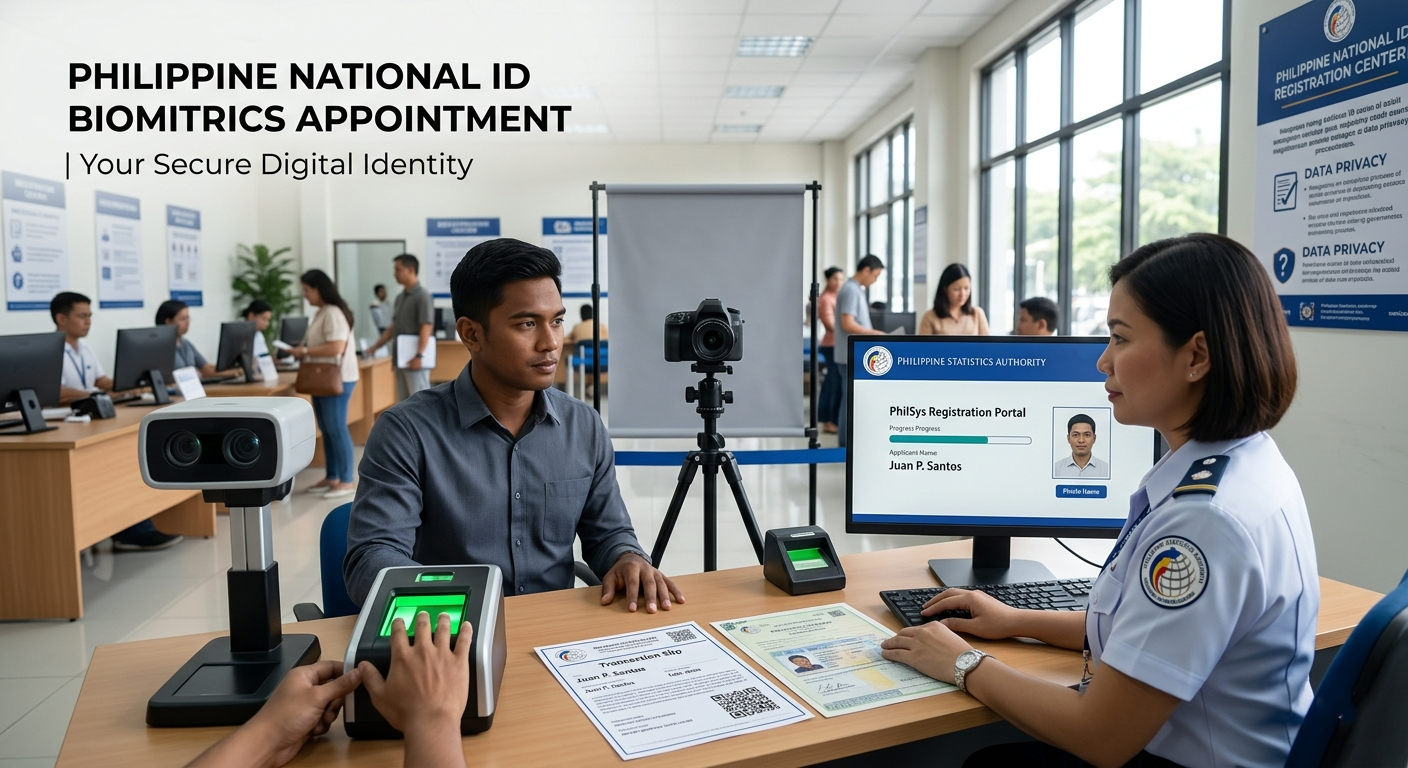
Appear for Biometrics Capture

On your appointment day, go to your chosen center. Staff will capture your photo, fingerprints, and iris scan. The process usually takes 15–30 minutes. Walk-in registration is available at some centers, but appointments are faster.

5

Receive Your Transaction Reference Number (TRN)

After biometrics, you will get a Transaction Reference Number (TRN). Keep this safe — you will use it to track your ID delivery. You may also download your ePhilID while waiting for the physical card.

6

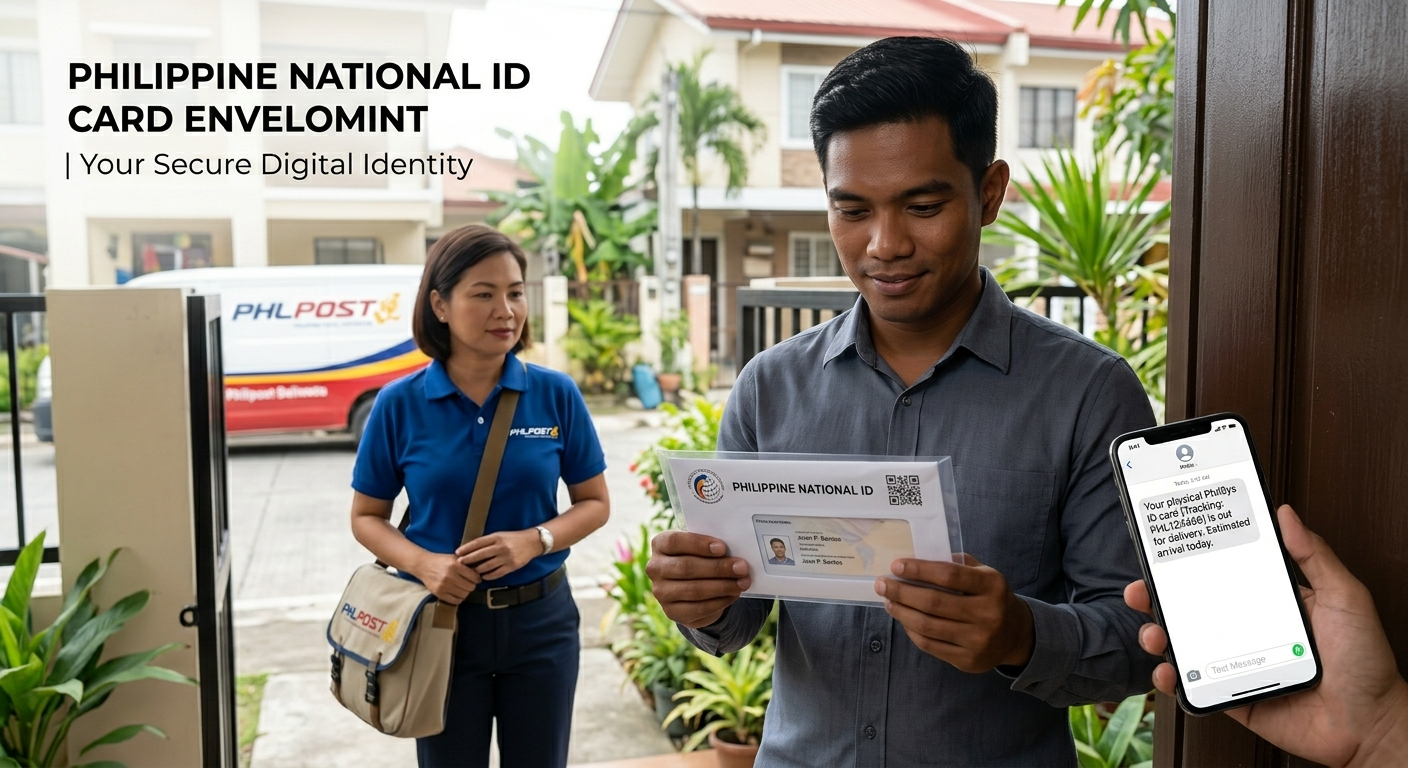
Wait for Delivery via PHLPost

Your physical National ID card is delivered by Philippine Postal Corporation (PHLPost). Delivery may take several months depending on your location. Track your card using your TRN at the PHLPost tracking portal.

Read the Full Application Guide

Digital National ID Philippines (2026)

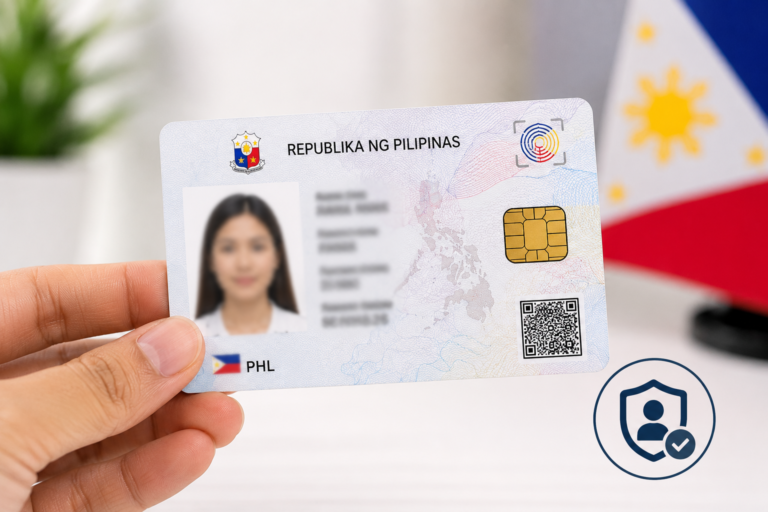
The ePhilID is the official digital version of your National ID. You can use it right now — even before your physical card arrives.

  • Download via eGovPH app — available on iOS and Android. Log in and find your ePhilID under the Digital IDs section.
  • Same legal validity as the physical card — accepted in banks, government agencies, and private transactions under RA 11055.
  • No lamination needed — the digital version is stored on your phone and is sufficient for most transactions.
  • Available after biometrics — you can access it weeks before your physical card is delivered.
Download ePhilID Guide Learn More

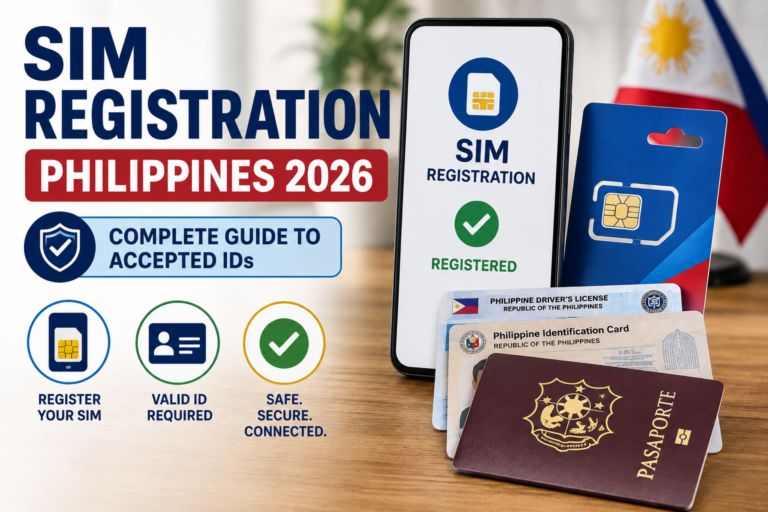
National ID Requirements Philippines

Bring original documents on your appointment day. Photocopies alone are not accepted.

🏅

Primary IDs Bring any 1 of the following

  • Philippine Passport
  • Driver's License (LTO)
  • PSA Birth Certificate (for first-time registrants)
  • PRC ID (Professional Regulation Commission)
  • Voter's ID or Voter's Certification (COMELEC)
  • SSS ID or GSIS ID
  • Unified Multi-Purpose ID (UMID)
📑

Secondary IDs Bring any 2 if no primary ID

  • PhilHealth ID
  • Postal ID
  • Barangay Certificate (with photo)
  • School ID (for students)
  • Senior Citizen ID (OSCA)
  • Company / Employment ID
  • NBI Clearance

⚠ Important: Always bring the original documents. Photocopies may be accepted as supporting documents but are not sufficient on their own. Requirements may change — always confirm with your PSA registration center before your appointment.

Full Requirements Checklist

Common Problems & Solutions

Stuck? Here are the most common National ID issues and how to fix them.

🔍 Tracking Not Working

Your TRN shows no results or gives an error. This is common in the first few weeks after registration — the system may not have updated yet.

How to Fix Tracking

📦 ID Not Delivered Yet

Physical card delivery can take several months, especially outside Metro Manila. PHLPost schedules vary by region.

Check Delivery Status

❌ Wrong Personal Details

Noticed a typo in your name, birthday, or address? You must request a correction directly from PSA before your card is printed.

Request a Correction

📲 ePhilID Download Issues

Can't find your digital ID on the eGovPH app? Ensure your registration is complete and your app is updated to the latest version.

Fix Download Problems
See All Problems & Fixes

How to Track Your National ID in the Philippines

Use your Transaction Reference Number (TRN) to check the current status of your ID delivery.

🔢

Find Your TRN

Your Transaction Reference Number (TRN) was given after biometrics. Check your registration slip or the SMS/email you received from PSA.

Where to find TRN
🌐

Track via PHLPost

Go to the PHLPost tracking portal and enter your TRN. This shows your delivery status — from printing to dispatch to your local post office.

PHLPost Tracking Guide
📬

Claim at Your Post Office

Once marked as arrived, claim your ID at your designated post office. Bring a valid ID and your TRN slip. A representative may claim on your behalf with authorization.

Claiming Guide
Full Tracking Guide

Frequently Asked Questions

Quick answers to the most common questions about the Philippine National ID.

Yes — registration for the Philippine National ID (PhilSys) is completely free for all Filipino citizens and resident aliens. If anyone asks you to pay for registration, that is illegal. The card itself, its delivery, and the ePhilID digital download are all provided at no cost.

Delivery times vary widely. In Metro Manila, delivery may take 3 to 6 months after your biometrics appointment. In provinces and remote areas, it can take longer. In the meantime, you can download your ePhilID via the eGovPH app as a valid interim document.

Yes. The ePhilID is legally valid under Republic Act 11055 (Philippine Identification System Act). It carries the same legal weight as the physical card and is accepted in government agencies, banks, and private institutions for identification purposes.

No — do not laminate your ePhilID printout. The ePhilID contains a QR code used for identity verification. Laminating can damage the code or make it unreadable. The physical PhilSys card also carries a warning against lamination. Keep the printed copy as-is, or simply use the digital version on your phone.

Not completely. You can pre-register online at register.philsys.gov.ph to fill in your details and book an appointment. However, you must appear in person at a registration center for biometrics capture (photo, fingerprint, and iris scan). This in-person step cannot be skipped.

The PhilSys Number (PSN) is your unique, permanent identification number assigned by the Philippine Statistics Authority. It is printed on your National ID card. Keep it confidential — you should only share it with trusted government and financial institutions when necessary for identity verification.

If your card was returned to PHLPost (for example, because nobody was home), you can still claim it at your designated post office within a specified period. If delivery failed entirely, contact the PSA or your local post office using your TRN for assistance. Check our delivery guide for the steps.

Download the eGovPH app from the App Store (iOS) or Google Play (Android). Create an account using your registered mobile number or email, then navigate to the Digital IDs section. Your ePhilID will appear if your PhilSys registration is complete. See our full ePhilID download guide for step-by-step instructions.

About This Website

nationaliddigital.ph is an independent informational guide. We are not affiliated with, endorsed by, or connected to the Philippine Statistics Authority (PSA), PhilSys, the National Economic Development Authority (NEDA), or any Philippine government agency.

All content is based on publicly available information from official government sources including psa.gov.ph, philsys.gov.ph, and official PSA announcements. We aim to make this information clearer and easier to understand for everyday Filipinos.

For the most up-to-date and authoritative information, always verify with the official PSA or PhilSys website before taking action.

Explore All National ID Guides

Find every guide you need in one place.