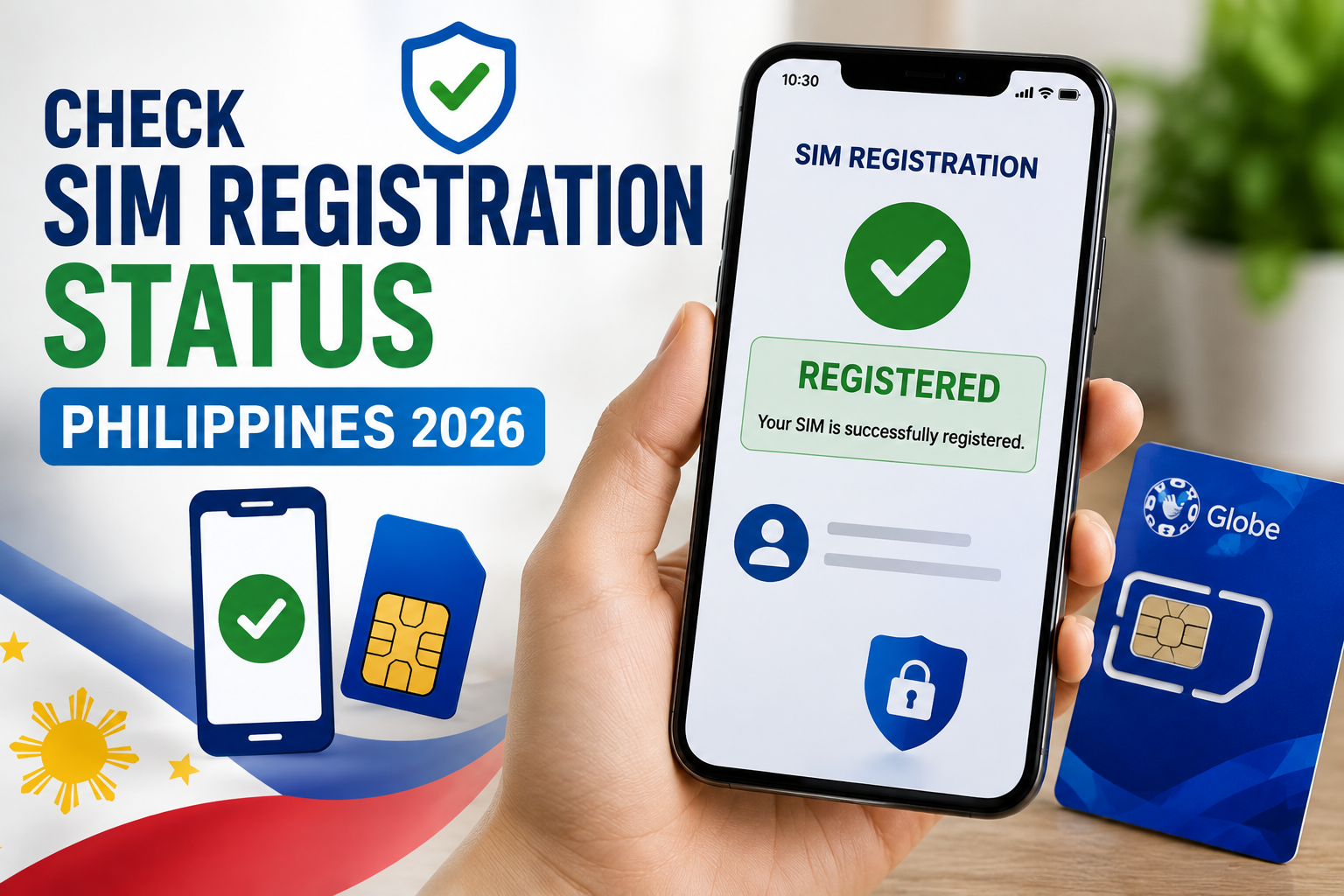
The fastest way to check SIM registration status in the Philippines is through your own network’s official app — GlobeOne for Globe and TM, GigaLife for Smart and TNT, or the DITO app for DITO. Each shows a simple “Registered” or “Unregistered” badge next to your number. If you don’t have the app installed, each telco’s web portal offers a fallback method too, covered below.
How to Check SIM Registration Status on Each Network
| Network | App Method | Web/Portal Method |
|---|---|---|
| Globe / TM | Open the GlobeOne app and sign in — your registration status shows on your account/number screen. | Revisit globe.com.ph/register-sim-card; if already registered, the portal will indicate this rather than prompting you to register again. |
| Smart / TNT | Open the GigaLife app — a “Registered” or “Unregistered” badge appears next to your mobile number. | Go to simreg.smart.com.ph, enter your number, and verify with the OTP sent to your phone. A pop-up confirms if registration was successful. |
| DITO | Open the DITO app and check your SIM registration status from the account menu. | Visit dito.ph/sim-registration and follow the same number + OTP verification flow. |
Smart and TNT share the same underlying registration system, so the GigaLife app and simreg.smart.com.ph portal work identically for both.
What the SIM Registration Confirmation SMS Looks Like
When your registration is approved, your telco sends a SIM registration confirmation SMS, typically including a reference number and a short message confirming successful registration. This message is your simplest proof — if you still have it saved, your SIM is registered and you don’t need to do anything further.
If you didn’t save the message or aren’t sure it arrived, that’s exactly when checking directly through the app or portal methods above is worth the extra minute — a missing SMS doesn’t necessarily mean registration failed, since messages can be delayed or accidentally deleted.
What Each Result Means
- Registered: No action needed. Your SIM is compliant with the SIM Registration Act (RA 11934) and won’t be deactivated for non-registration.
- Unregistered: You’ll need to complete registration before your SIM is deactivated. See our step-by-step registration guide for all four networks.
- Pending / Under Review: Your submission is still being processed — this can take anywhere from minutes to a day or two, particularly if your ID photo needed manual verification. No action needed unless it’s been several days.
- Rejected: Something in your submission didn’t pass verification — usually a blurry ID photo, a mismatched name, or a failed selfie check. You’ll typically need to re-attempt registration with clearer documents.
If You’re Not Sure You Ever Registered
This is common for SIMs bought a while ago, family plans registered by someone else, or numbers you don’t use often. Rather than guessing, just run the app or portal check above — it takes under a minute and gives you a definitive answer either way.
If the portal or app shows your SIM as unregistered and you genuinely believe someone registered it for you, contact your telco’s customer support directly rather than assuming the check is wrong — records can occasionally lag by a few days after a registration attempt.
Registering or Re-Registering With Your National ID
If your check shows your SIM as unregistered and you’re planning to use your PhilID, see our dedicated guide: National ID for SIM Registration. If you’d rather see the full list of accepted IDs before deciding which to use, our SIM registration requirements guide covers all 16.
Frequently Asked Questions
Q: How do I check SIM registration status without the app? A: Use each telco’s web portal — enter your number and verify with the OTP sent to your phone. Globe, Smart/TNT, and DITO all support this method as a fallback to their app.
Q: How do I know if my SIM is registered if I don’t remember registering it? A: Check through your network’s app or portal (see the table above) rather than guessing — it gives a definitive Registered/Unregistered result in under a minute.
Q: I never got a SIM registration confirmation SMS. Does that mean it failed? A: Not necessarily — messages can be delayed or deleted. Check the app or portal directly for a reliable answer rather than relying on the SMS alone.
Q: Can I check someone else’s SIM registration status for them? A: Generally no — verification requires OTP access to the number itself, so you’d need the phone in hand or the account holder’s login to check on their behalf.
Q: My status shows “Rejected” — what now? A: Re-attempt registration with a clearer ID photo and a properly lit selfie. If it’s rejected again, contact your telco’s customer support for the specific reason.