Requesting a national id address update in the Philippines is an essential task if you have recently relocated, moved to a new municipality, or discovered that your registered residential address contains typos. The Philippine Identification System (PhilSys) ID serves as the country’s primary foundational identity document. Because of this status, your registered address is heavily relied upon by banks, credit card companies, courier services, and government offices for verification purposes, making it critical to keep this information accurate.
If you need to change address philsys database records, you must follow the correct channels to submit your request and present proof of your new residence. Having mismatched address details on your physical card compared to your actual residence can delay mail delivery, account verification, and passport processing. In this ultimate 2026 guide, we cover the exact steps to process your national id address update, the specific requirements to prepare, and how to verify your updated database record online.
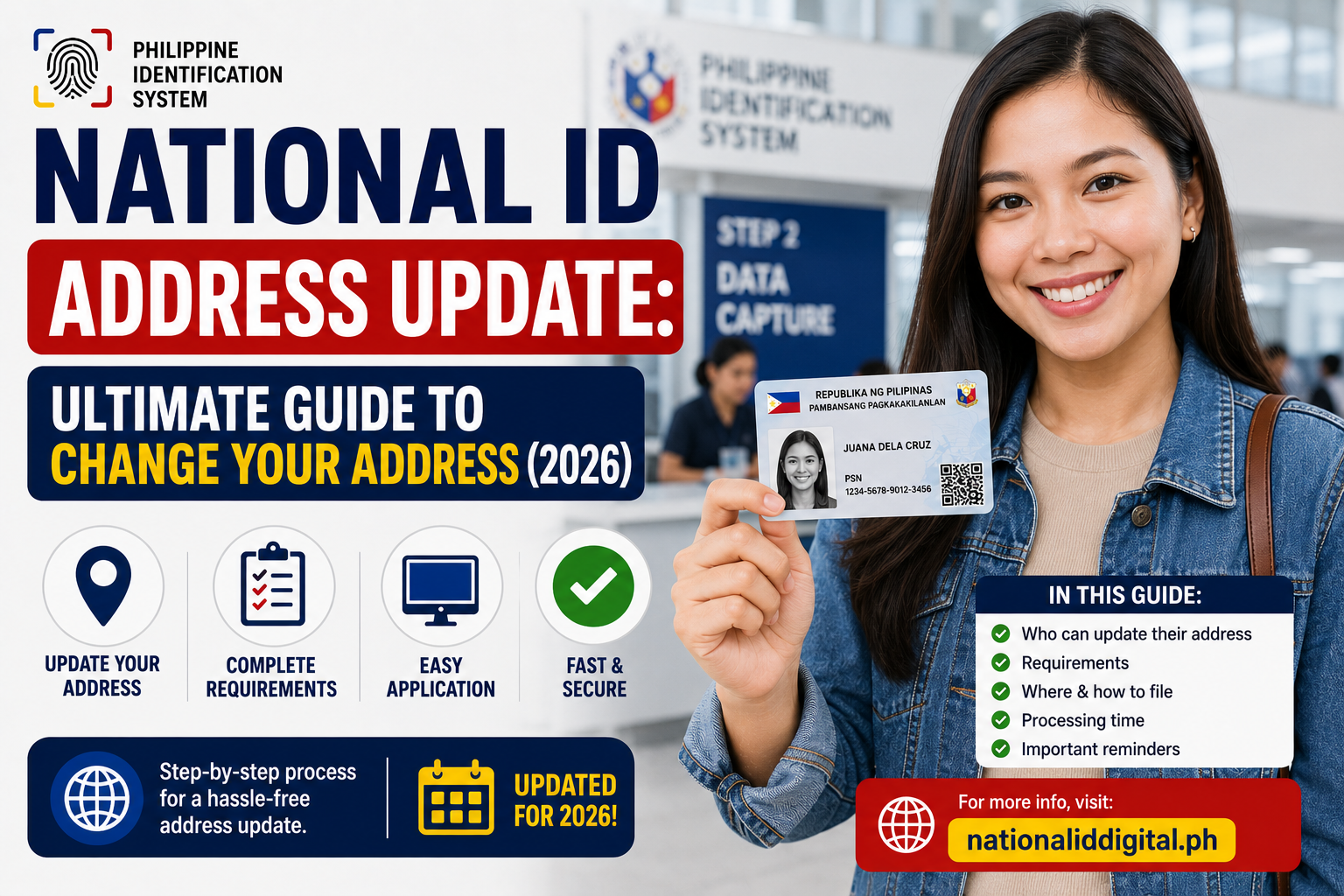
National ID Address Update Guide to Change Your Address (2026)
Table of Contents
Why Your National ID Address Matters
Having a current address is more than just a administrative detail. Since the PhilSys ID was designed to replace multiple card systems, it acts as a primary proof of residence. Undergoing a national id address update is necessary for several practical transactions:
- Financial Services and KYC: Traditional banks like BDO and digital wallets like GCash or Maya require Know-Your-Customer (KYC) compliance. If the address on your ID does not match the home address you fill out on your bank forms, the application can be flagged, causing account opening delays.
- Official Deliveries: The physical PhilSys card is delivered door-to-door by PHLPost. If you relocate without performing a national id address update, any future reissued cards or official government correspondence will be sent to your old address, increasing the risk of delivery failure or lost cards.
- Local Government Services: Barangay clearance, local municipal scholarships, health cards, and voter registration rely on verified local addresses. Updating your database entry ensures you remain eligible for services in your new community.
To avoid administrative blockages, learning how to change address philsys records is a priority as soon as you settle into a new home.
Can You Change Address on PhilSys Online? (2026 Status)
One of the most common questions is whether you can complete your national id address update entirely online. As of 2026, the Philippine Statistics Authority (PSA) handles address updates with a hybrid approach:
While the PSA allows citizens to initiate demographic correction forms online through official portals, you must still visit a physical registration center to finalize the address update. This requirement is a security safeguard designed to prevent identity theft and address fraud. A bad actor could easily redirect a citizen’s official correspondence if address changes were fully automated online without physical document verification.
Therefore, any request to change address philsys records requires a face-to-face verification check at a registry office. The officer will verify your original card, scan your biometrics to confirm you are the legitimate cardholder, and inspect your proof of residence documents before saving the changes to the secure central database.
How to Complete a National ID Address Update (Step-by-Step)
Updating your home address requires visiting a registry center, but the process is highly organized. Follow these steps to ensure a smooth transition:
Step 1: Check Your Current Status
Before heading to a center, check your database record online. You can use official national id tools to verify if your current card details are fully registered and synced. If your card has not yet been processed in the central database, wait until it is registered before requesting corrections.
Step 2: Secure the Correction of Entry Form
You can download the PhilSys Correction of Entry Form from the official website or secure a copy directly at the registry center. Fill out the demographic correction section, ensuring you write your new residential address clearly and accurately.
Step 3: Prepare the Required Documents
Gather the physical documents that prove your relocation. This includes barangay certificates or utility bills. You can review the official list of accepted national id requirements to ensure your proof of residence is legally acceptable.
Step 4: Visit a PhilSys Registry Center
Head to the nearest PhilSys center. Many centers are conveniently located in municipal halls, regional PSA offices, or participating shopping centers (like SM Malls and Robinsons Malls). Walk-ins are generally accommodated, but checking if online booking is available in your area can save waiting time.
Step 5: Present Documents and Verify Biometrics
Submit your current PhilSys card or ePhilID alongside your proof of address documents to the attending clerk. The officer will verify the documents and ask you to place your fingers on the biometric scanner to confirm your identity. Once confirmed, they will update your demographic profile in the system.
Step 6: Keep Your Update Transaction Slip
After processing, the clerk will issue a transaction slip containing a tracking code. Make sure to keep this slip safe, as you will need the number to check the progress of your new physical card.
Required Documents for an Address Change
To process a national id address update, you must bring proof of your new residence. The table below lists the primary and secondary documents accepted by the PSA to verify your new address:
| Relocation Scenario | Primary Proof of Address | Secondary Verification Documents |
|---|---|---|
| Rented Property / Leased Home | Valid Lease Contract or Tenancy Agreement | Recent Utility Bill (water, electricity, internet) under landlord’s name |
| Owned Property / New House | Land Title, Deed of Sale, or Property Tax Declaration | Utility Bill under the cardholder’s name |
| Living with Relatives / Family | Barangay Certificate of Residency | Authorization letter from the homeowner with their valid ID |
| Dormitory / Student Housing | School Certificate of Enrollment indicating residency | Official dormitory contract or official receipt |
| General Relocation | Barangay Clearance indicating new address | Any alternative government ID showing the updated address |
For a complete list of valid secondary IDs that can support your application, read our guide on national id requirements. Presenting a Barangay Certificate of Residency is the most common and easily accessible option for most applicants.
Tracking Status and Downloading Your Updated ID
Once you complete your physical visit to the center, your update request is queued for database processing and physical card printing. You do not need to wait for the physical card to arrive in the mail to start using your updated address.
The database update is typically processed within a few weeks. You can log into the official eGovPH mobile app or visit the official National ID portal to download a digital version of your updated card. This digital ID contains a dynamic QR code reflecting your new home address. It is recognized as a valid primary identity document at all major institutions.
For the physical card delivery, you can check its shipping status using your update slip. Simply visit our portal to track your national id in the Philippines, which connects directly to the PHLPost sorting database. If you want to explore other download options, check out the various national id tools available online.
Frequently Asked Questions (FAQ)
Is there a fee for updating my address on the National ID?
No. The demographic correction process, including a national id address update, is free of charge for Filipino citizens. The PSA does not collect fees for database updates or the reissue of cards caused by demographic corrections. However, replacements for lost cards due to personal negligence may carry a replacement fee.
Can I change my address on my National ID online?
No, you cannot complete a national id address update entirely online. While you can fill out status check forms online, you must visit a physical PhilSys registration center or local PSA branch to submit your proof of residency documents and verify your identity through biometric matching.
How long does a National ID address update take to reflect?
The digital records on the eGovPH app and the official verification database will usually reflect your new address within 2 to 4 weeks after your physical registration center visit. However, printing and delivering the new physical card with the updated address can take anywhere from 1 to 3 months depending on location.
What happens if I don’t update my address on my National ID?
If you do not update your address, you might face verification issues at banks, digital wallets, or government agencies if the address on your application forms does not match the record associated with your card’s QR code. Additionally, future physical ID mailings will be sent to your old address.
Can a Barangay Certificate be used as proof of address?
Yes. A Barangay Certificate of Residency or a Barangay Clearance stating your new address is highly accepted by the PSA as valid proof of address for a demographic update. It is often the easiest document to obtain if utility bills are not under your name.