- Eligibility: Who Qualifies and What's Different for Seniors
- Mobile and Home Registration for Seniors
- Required Documents for Senior Registration
- National ID vs. OSCA Senior Citizen ID — What's the Difference?
- Using the National ID for Senior Benefits and Services
- Using ePhilID for Seniors
- Frequently Asked Questions
- Quick Self-Check: Does a Senior Need Home Registration?
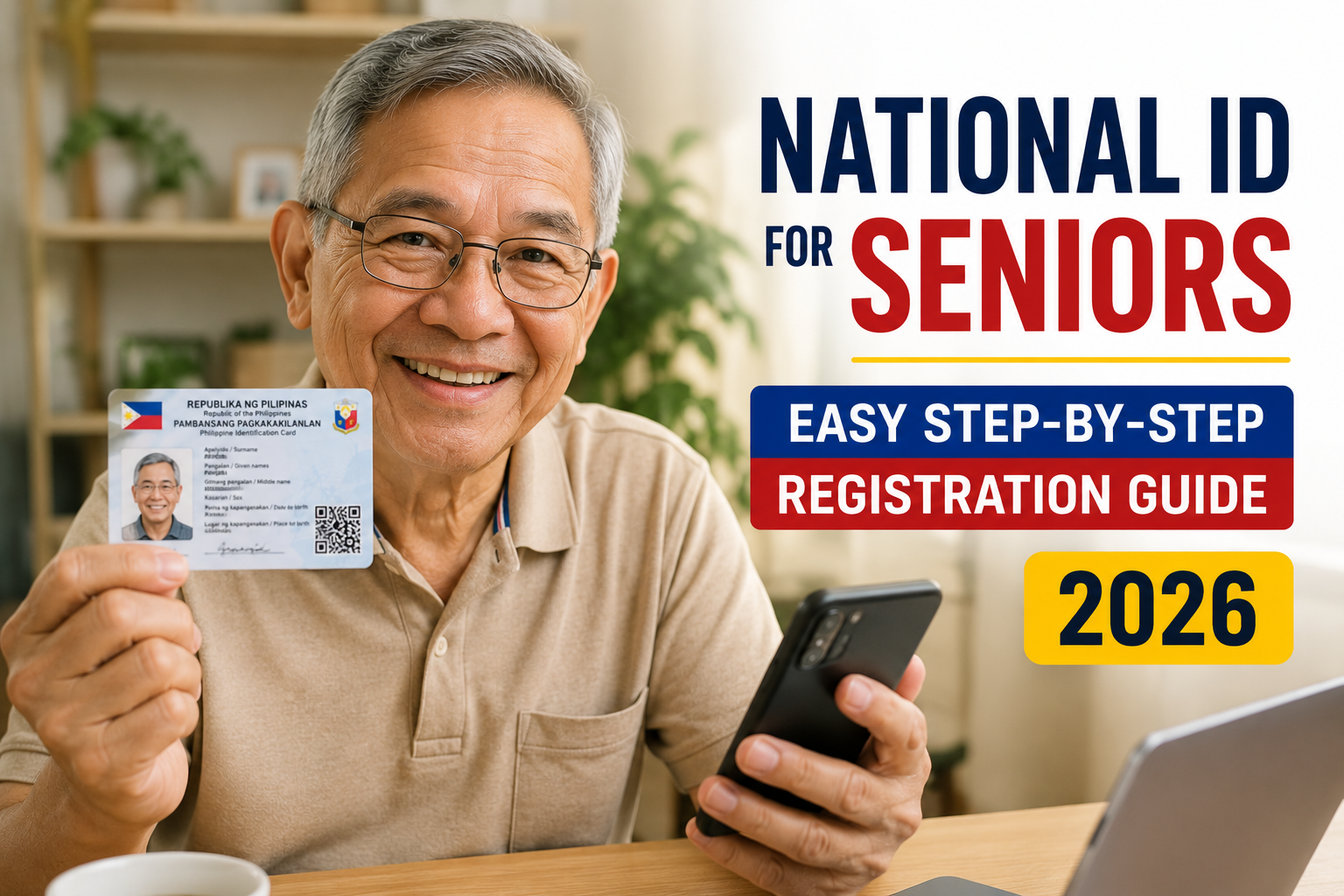
If you’re a senior citizen — or helping a parent or grandparent — wondering whether it’s worth getting a Philippine National ID at this stage of life, the short answer is yes. The National ID (PhilSys ID) is free, doesn’t require you to already have another ID to apply, and PSA has a dedicated home and mobile registration program built specifically for seniors who can’t travel to a registration center.
It’s important to set expectations early, though: the National ID does not automatically replace your OSCA (Office for Senior Citizens Affairs) card. The two serve different purposes, and this guide walks through exactly where each one is accepted — so you’re not caught off guard at a pharmacy counter expecting a discount that only the OSCA card unlocks.
ℹ️
Senior citizens (60+) are eligible to register for the National ID with no special requirements. If a senior is bedridden, housebound, or has limited mobility, PSA offers home-based registration arranged through the barangay — no need to travel to a registration center.
Eligibility: Who Qualifies and What’s Different for Seniors
Any Filipino citizen aged 60 and above qualifies for the National ID under the same rules as everyone else — there’s no separate “senior citizen” registration track with different criteria. What changes is how registration happens, because PSA recognizes that many seniors face genuine barriers to visiting a registration center in person.
- No senior citizen ID or OSCA card is required to apply for a National ID — you can register from scratch.
- There is no age cap; even seniors in their 80s and 90s can register.
- A family member, caregiver, or barangay health worker can assist with scheduling and accompany the senior during registration.
- Seniors who are bedridden, housebound, or have mobility impairments can request registration at home (see Section 2 below).
Mobile and Home Registration for Seniors
This is the feature most families don’t know exists. PSA runs a mobile/home registration program specifically for senior citizens, persons with disabilities, and other individuals who cannot physically travel to a registration center.
Who Qualifies for Home Registration
- Bedridden seniors or those who are otherwise unable to leave the house
- Seniors with significant mobility impairments (e.g., requiring a wheelchair and lacking accessible transport)
- Seniors recovering from major surgery or illness, on a case-by-case basis
How to Request It
- Contact your barangay’s Social Welfare Officer or the barangay captain’s office and explain that you’d like to request PSA’s mobile registration for a senior citizen.
- The barangay coordinates with the local PSA office or registration team to schedule a home visit, often as part of a broader community registration sweep.
- On the scheduled date, a PSA registration team brings the necessary equipment (camera, biometric scanner) directly to the senior’s home.
- The same documents and steps from a regular registration apply — just conducted on-site instead of at a center.
✅
If your barangay hasn’t run a mobile registration sweep recently, ask the Social Welfare Officer when the next one is planned, or whether you can request an individual home visit. Availability varies by city/municipality and PSA’s regional capacity.
Required Documents for Senior Registration
Document requirements are the same as for any other applicant — seniors don’t need extra paperwork, and in fact often have an easier time meeting requirements because of an existing OSCA card or older government-issued ID.
| If you have… | Bring this |
|---|---|
| An OSCA Senior Citizen ID | Bring it — it’s accepted as a valid supporting ID for registration |
| Any government-issued ID (even expired) | Bring it along with your birth certificate if possible |
| No current government ID | A PSA-issued birth certificate is usually enough; bring any supporting document showing your name and birthdate |
| No birth certificate on hand | Request a copy from the Local Civil Registrar or PSA in advance of your registration date |
If a senior genuinely has no documents at all, registration staff can often still proceed using alternative identity verification — ask the barangay or registration center about this in advance rather than assuming you can’t register.
National ID vs. OSCA Senior Citizen ID — What’s the Difference?
This is the single most common point of confusion, so it deserves a direct comparison.
| Use Case | National ID | OSCA Card |
|---|---|---|
| 20% senior citizen discount (restaurants, pharmacies, transport) | ❌ Not accepted on its own | ✅ Required |
| VAT exemption on qualifying purchases | ❌ Not accepted on its own | ✅ Required |
| Opening a bank account | ✅ Accepted as primary ID | ✅ Also accepted, but National ID is increasingly preferred |
| Applying for a passport | ✅ Accepted as primary ID | ✅ Accepted |
| Government transactions (SSS, GSIS, PhilHealth) | ✅ Accepted, often preferred | ✅ Accepted |
| Telecom SIM registration | ✅ Accepted | ✅ Accepted |
⚠️
The National ID is a general-purpose government ID, not a replacement for senior-specific privileges. Keep both — your OSCA card for discounts and benefits, your National ID for banking, passports, and most other government transactions.
Using the National ID for Senior Benefits and Services
Once a senior has their National ID, here’s a practical breakdown of where it helps and where the OSCA card still has to come out of the wallet:
- Banking and pension claims (SSS, GSIS): National ID is accepted and increasingly preferred as the primary ID on file.
- PhilHealth and medical transactions: National ID works for identity verification; bring OSCA card too if a senior discount applies to the service.
- Retail discounts (food, medicine, transport fares): Still requires the OSCA card specifically — National ID alone won’t trigger the 20% discount at the counter.
- Government offices and LGU transactions: National ID is generally accepted as sufficient standalone ID.
- Telecom and SIM registration: National ID is one of the accepted IDs under the SIM Registration Act.
Using ePhilID for Seniors
While waiting for the physical card to arrive — which can take a while given printing and delivery timelines — registered seniors can use the ePhilID, a digital version of the National ID with the same legal validity as the physical card.
Two Ways to Show ePhilID
- On a smartphone: If the senior (or a family member helping them) has the PhilSys mobile app or saved PDF, it can be shown directly on-screen at a counter.
- Printed copy: For seniors without a smartphone, a printed version of the ePhilID PDF works just as well for most transactions — print it on regular paper, no special card stock needed.
📱
A family member can download and print the ePhilID on the senior’s behalf using the registration TRN and registered mobile number/email. Keep a printed copy in their wallet alongside the OSCA card so they’re not dependent on a phone for everyday transactions.
Frequently Asked Questions
Do senior citizens need an OSCA card to apply for a National ID?
No. You can register for a National ID with no existing ID at all, as long as you can provide a birth certificate or equivalent proof of identity.
Will the National ID give me the 20% senior discount?
No, not on its own. The 20% senior citizen discount and VAT exemption still require your OSCA card specifically. Keep both IDs.
Can a bedridden senior register for a National ID?
Yes. PSA offers home/mobile registration for bedridden or housebound seniors, arranged through the barangay’s Social Welfare Officer.
What documents does a senior need to bring to registration?
A birth certificate and any available government ID, including an OSCA card if you have one. If you have no documents at all, contact the registration center in advance to ask about alternative verification.
Is there an age limit for getting a National ID?
No. There is no upper age limit — seniors in their 80s, 90s, or older can register.
Can a family member register on behalf of a senior?
A family member can help coordinate and accompany the senior, and can assist with home registration requests, but the senior themselves typically needs to be present for biometric capture, except where PSA makes specific accommodations.
How long does it take to get the physical card after registering?
Timelines vary by region and current PSA processing volume. The ePhilID can be used in the meantime once registration is complete and verified.
Does the National ID replace a passport or driver’s license?
No. It’s accepted as a valid form of ID for most transactions but is not a substitute for a passport or driver’s license where those specific documents are required by law.
Can my parent use the National ID for SSS or GSIS pension claims?
Yes, the National ID is accepted and increasingly preferred for SSS and GSIS transactions, including pension-related claims.
What if my barangay hasn’t scheduled a mobile registration yet?
Ask the Social Welfare Officer directly about requesting an individual home visit, or about the schedule for the next community mobile registration sweep in your area.
Quick Self-Check: Does a Senior Need Home Registration?
Use this short interactive checker to see which registration path applies.
For other family situations, see our related guides on National ID for Minors and National ID for Overseas Filipinos, or start the process directly through our step-by-step application guide and the official PhilSys registration center locator.