Action Required
National ID Returned to Sender — What It Means & How to Claim It
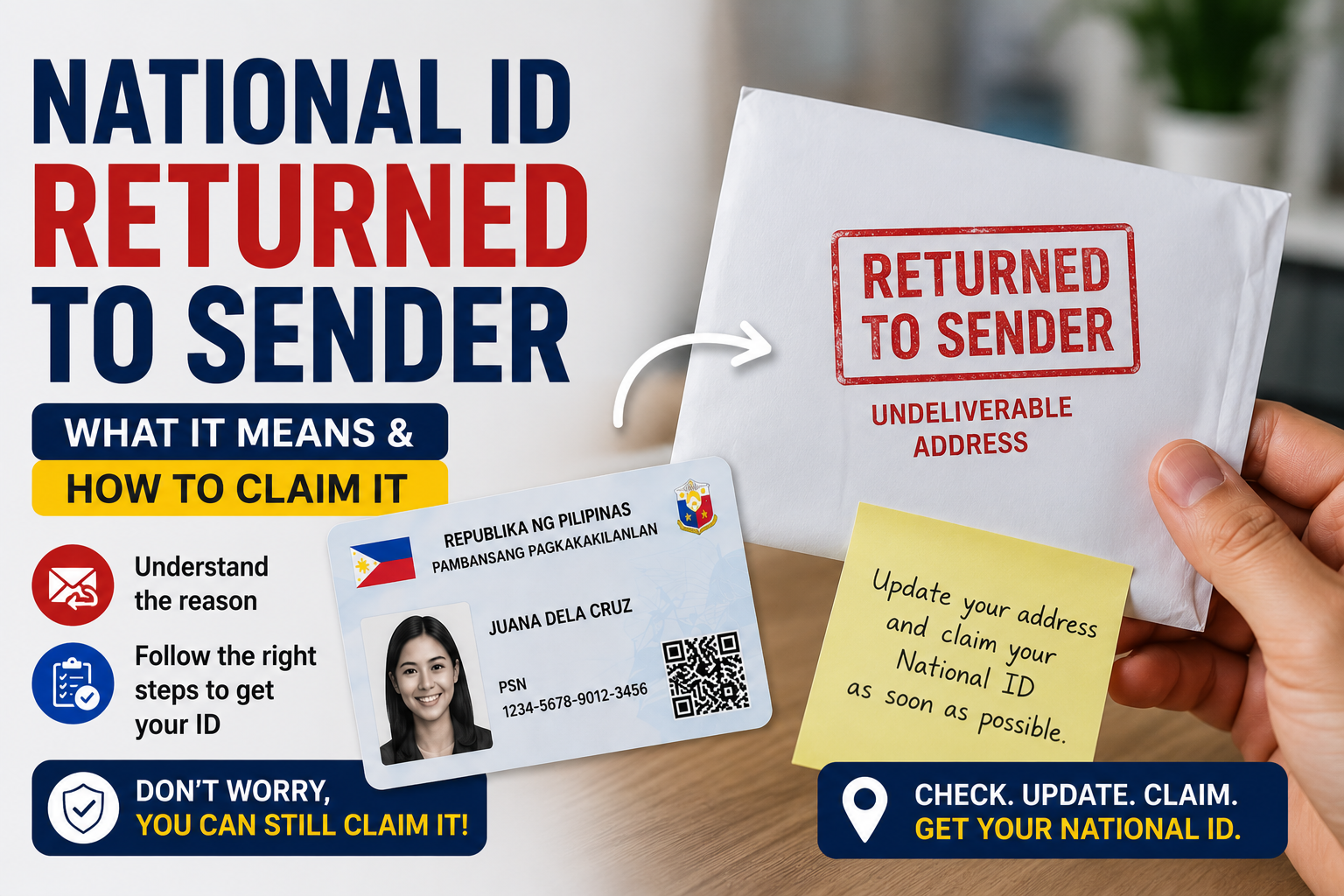
If your PhilSys National ID tracking status shows “Returned to Sender,” your card wasn’t lost — it’s sitting at a PHLPost office right now, waiting for you to claim it within a strict deadline. Here’s exactly what to do next.
Seeing “Returned to Sender” on your PhilSys National ID tracking status is alarming, but it’s actually one of the more fixable problems in the delivery process. It simply means PHLPost attempted delivery, couldn’t complete it, and is now holding your card at a local post office rather than sending it back to PSA — at least for a limited time.
This status usually appears after PHLPost has made up to three failed delivery attempts. The most common causes are:
- No one was home during any of the delivery attempts
- The address on file is incomplete, outdated, or hard to locate
- The recipient moved without updating their registered address with PSA
- The courier could not verify the recipient’s identity on-site
Section 1: The 30-Day Window — What It Actually Means
From the date your tracking status changes to “Returned to Sender,” PHLPost holds your card locally for about 30 calendar days. During this window, the card has not been sent back to PSA — it’s sitting at the specific post office branch responsible for your registered address.
If you claim it within this window, you walk away with your card the same day, assuming you bring the right documents. If the 30 days lapse without anyone claiming it, the card is returned to PSA’s PhilSys processing center, and you’ll need to go through a re-delivery request (covered in Section 3).
| Timeline Stage | What Happens |
|---|---|
| Day 0 | Status changes to “Returned to Sender” after 3 failed attempts |
| Day 1–30 | Card held at your local PHLPost branch — claimable in person |
| Day 31+ | Card shipped back to PSA; you must request re-delivery |
Because this window is short and not always clearly communicated, the single most important thing you can do right now is confirm which exact PHLPost branch is holding your card — not just “the nearest one.”
Section 2: How to Claim Your Card at PHLPost
Claiming a returned card is straightforward, but it has to be done at the correct branch — almost always the one assigned to your registered delivery address, not whichever post office happens to be closest to you today.
Confirm the holding branch. Check your tracking result or call PHLPost’s customer service to confirm which specific post office is holding your card. Use the PhilSys Office Locator to find its address and operating hours.
Prepare your documents. Bring your Transaction Reference Number (TRN) slip and one valid government-issued ID. If you registered someone else to claim on your behalf, they’ll also need an authorization letter and their own valid ID.
Visit within the 30-day window. Go in person before the deadline. Counter staff will verify your TRN and ID against the parcel manifest before releasing the card.
Sign the release log. You’ll sign a proof-of-claim form. Keep a photo of this if possible — it’s useful if any dispute comes up later.
Section 3: If You Missed the 30-Day Window
If the window has already closed, your card has gone back to PSA’s processing center rather than being discarded — nothing is lost, but you’ll now need to actively request re-delivery instead of waiting passively.
- Request re-delivery: Contact PSA or PHLPost through their official re-delivery request channel, citing your TRN.
- Expect a wait: Re-delivery typically takes several additional weeks beyond the original delivery estimate, since the card re-enters the standard dispatch queue.
- Double-check your address first: Before requesting re-delivery, fix any address issue (see Section 4) — otherwise you risk a second Returned to Sender cycle.
If you’ve also misplaced your TRN slip or original registration documents during this process, see our guide on filing a lost National ID affidavit for the correct supporting paperwork.
Section 4: If Your Registered Address Was Wrong
An incorrect or outdated address is the single most common reason cards get returned more than once. Before requesting re-delivery, fix the address on file — otherwise the same failure will repeat.
- If you’ve moved since registering, update your address through PSA’s official channels before requesting re-delivery.
- If the address was simply incomplete (missing barangay, building number, or landmark), correct it with as much detail as possible.
- Consider listing a workplace or a relative’s address with someone reliably present during business hours, since couriers typically only attempt delivery on weekdays.
Full instructions are in our National ID Address Update guide.
✅ Returned to Sender — Action Checklist
Check off each item as you confirm it. We’ll tell you if you’re ready to go claim your card.
Continue From Here
Frequently Asked Questions
It means PHLPost attempted delivery multiple times but couldn’t complete it, so the card is being held at a local post office instead of being delivered to your address. It is not lost.
You generally have about 30 calendar days from the date of the status change to claim the card at the holding PHLPost branch before it’s sent back to PSA.
The branch tied to your registered delivery address — not necessarily the post office closest to where you currently live. Use the PhilSys Office Locator to confirm the exact branch.
Your TRN slip and one valid government-issued ID. If someone else is claiming on your behalf, they also need an authorization letter and their own ID.
The card is shipped back to PSA’s processing center. You’ll need to submit a re-delivery request, which typically adds several weeks to your wait time.
Yes, with a signed authorization letter from you, plus their own valid ID and your TRN slip. Requirements can vary slightly by branch, so it’s worth calling ahead.
Most commonly: no one was available during delivery attempts, the address was incomplete or outdated, or the courier couldn’t verify the recipient on-site.
Yes — if the same address issue caused the first return, requesting re-delivery without correcting it will likely lead to the same outcome. Update your address with PSA first.
const boxes = ['chk1','chk2','chk3','chk4'].map(id=>document.getElementById(id)); const fill = document.getElementById('progressFill'); const result = document.getElementById('checklistResult');
function updateChecklist(){ const checked = boxes.filter(b=>b.checked).length; fill.style.width = (checked/boxes.length*100)+'%'; if(checked === boxes.length){ result.className = 'ready'; result.textContent = "You're ready. Head to your PHLPost branch with your TRN and ID."; } else if (checked === 0) { result.className = ''; result.textContent = ''; } else { result.className = 'notready'; result.textContent = "Not quite ready — finish the checklist above before heading to PHLPost."; } } boxes.forEach(b=>b.addEventListener('change', updateChecklist));