Step-by-step tutorials, free interactive tools, and up-to-date information covering every stage of Philippine National ID registration — from booking your appointment to tracking your card delivery.
Our free, browser-based tools answer your most common PhilSys questions instantly — no login, no personal data required.
Answer 3 quick questions about your situation — age, ID documents on hand, and applicant type — and get a personalised, printable checklist of exactly what to bring on registration day.
Enter your region and Step 2 biometrics date to get a realistic estimated delivery window for your physical National ID card, based on PHLPost delivery data and PSA processing patterns.
A day-by-day countdown checklist that walks you through exactly what to prepare 7 days, 1 day, and on the morning of your PhilSys registration appointment, so nothing is forgotten.
Registration for the PhilSys National ID follows three official steps managed by the Philippine Statistics Authority (PSA).
Fill in your basic personal information on the official PSA PhilSys registration portal at philsys.gov.ph. You'll encode your full name, date of birth, birthplace, sex, blood type, and current address. At the end you'll receive a Transaction Reference Number (TRN) — keep this safe, as you'll need it for your appointment. This step takes about 15 minutes on most devices.

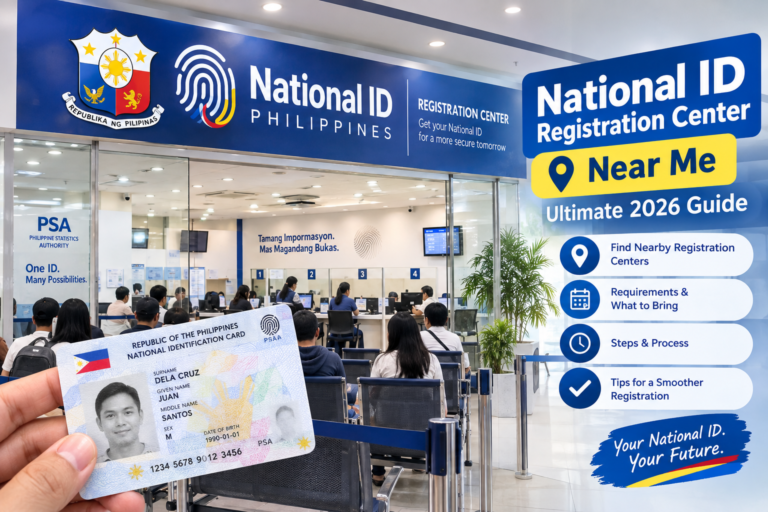
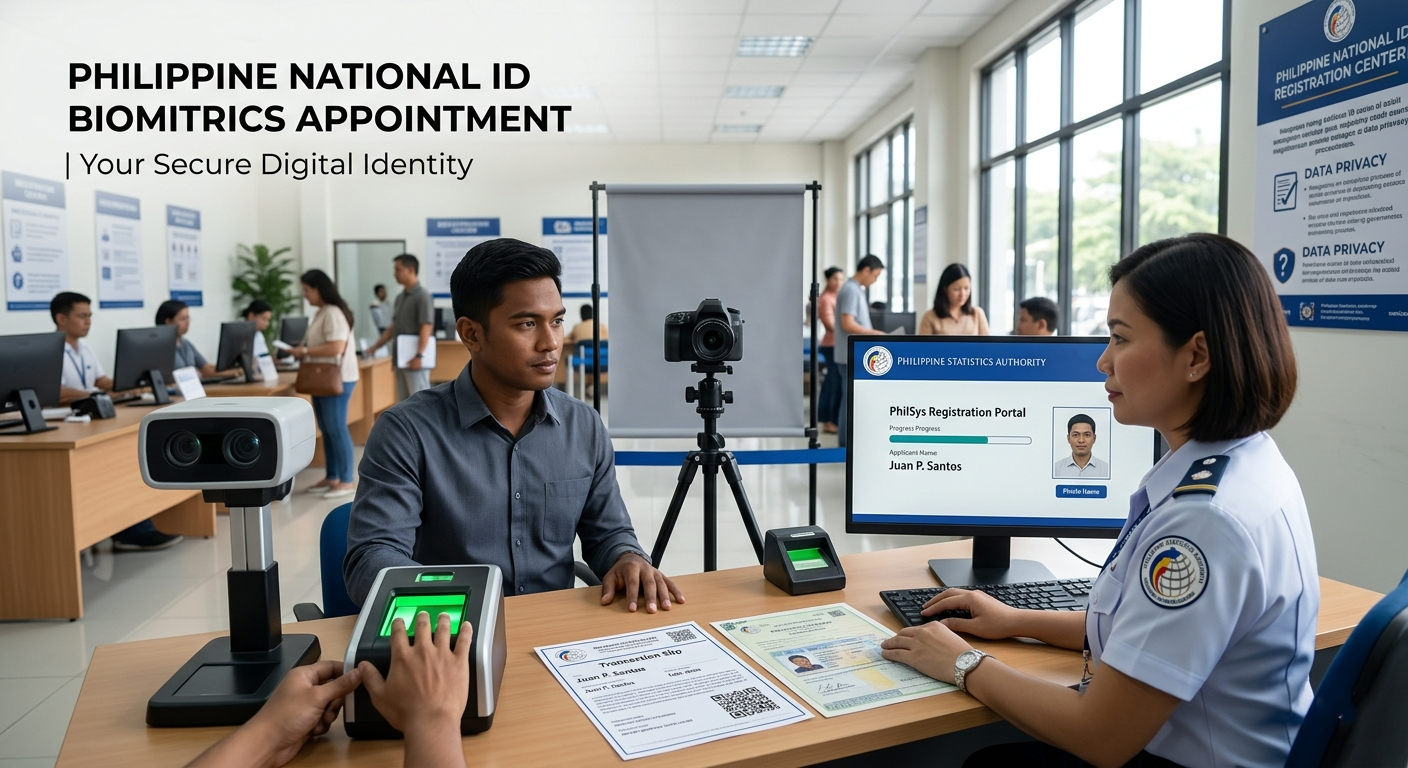
Attend your scheduled appointment at a PSA-designated registration centre (often located in LGU offices, malls, or barangay halls). A PSA officer will verify your documents, capture your biometrics (fingerprints, iris scan, and front-facing photo), and confirm all personal information. You'll receive an official PhilSys Transaction Slip as proof of completed registration. Bring all original ID documents — photocopies are not accepted.

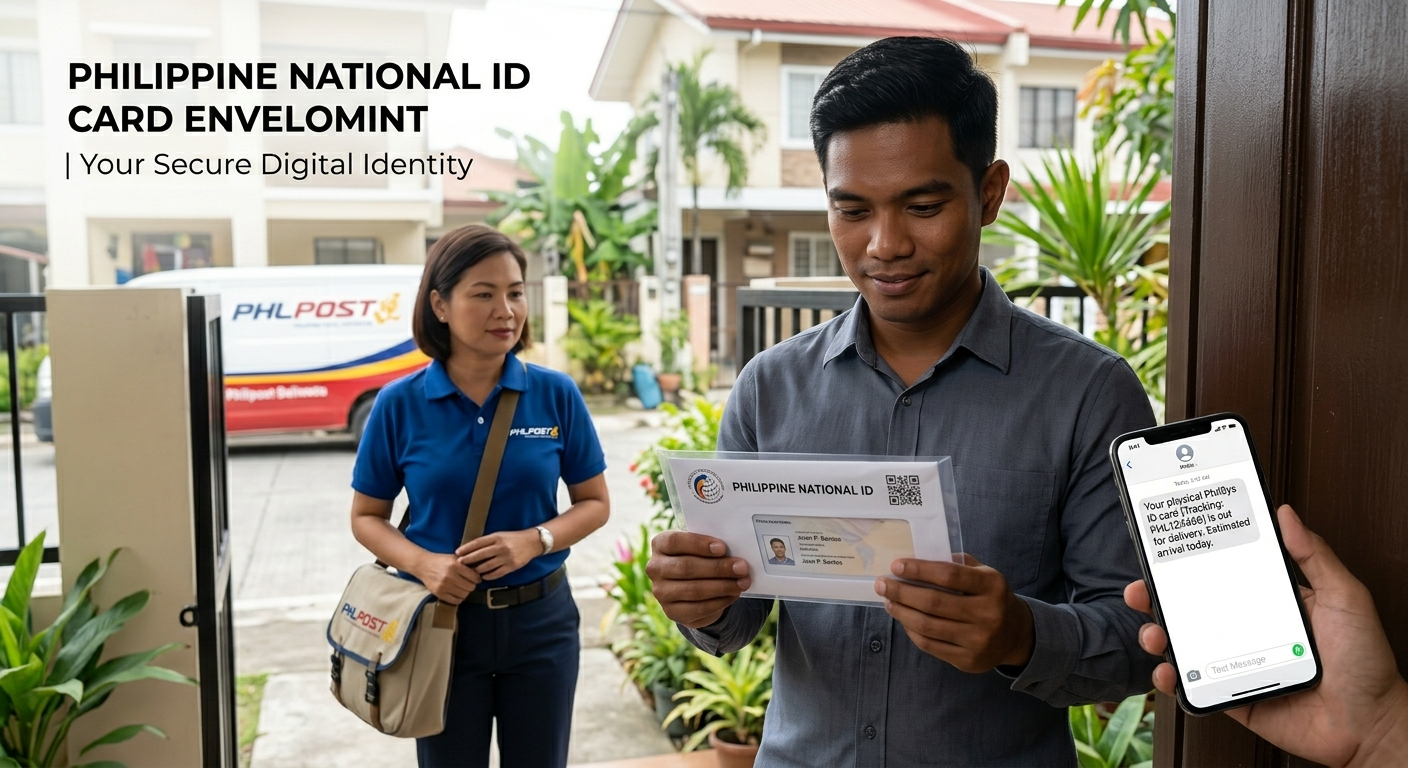
Your physical PhilSys ID card is printed by the PSA and delivered by the Philippine Postal Corporation (PHLPost) directly to your registered address. You'll receive an SMS notification with a parcel tracking number when your card has been dispatched. Delivery times currently range from 3 to 12 months depending on your region and existing delivery backlogs. Use our Processing Time Estimator for a region-specific estimate.

Browse our full collection of guides covering every stage of the National ID journey.
Full list of primary and secondary documents accepted at Step 2 appointments, including special cases for minors, seniors, and PWDs.
See requirementsGet a personalised checklist of what to bring based on your specific situation — citizen, alien, minor, or PWD.
Generate checklistRealistic delivery window estimates by region, plus what steps to take if your ID card is overdue or lost in transit.
Estimate wait timeDay-by-day countdown from 7 days before your appointment to the morning of — so you arrive fully prepared.
Open checklistHow to use the official PSA tracking portal and PHLPost parcel tracking to find out where your card is right now.
Tracking guideAnswers to the most-asked questions: lost transaction slip, wrong information on card, card not delivered, replacement process, and more.
Read FAQsAlways bring original documents on your appointment day. Photocopies, screenshots, and printed templates are not accepted at any PSA registration site.
⚠ Important reminders: Requirements are subject to change by the PSA. Always confirm with your local PSA or LGU registration centre before your appointment. Minors (below 18) must be accompanied by a parent or legal guardian. Use our Requirements Checklist Generator to build a personalised document list for your specific situation.
After completing Step 2, your PhilSys card is printed and dispatched via PHLPost. Here's how to check its status at each stage.
The paper slip issued after your Step 2 appointment contains your PhilSys Transaction Number. This is your primary reference for all status checks. Do not lose it — if lost, contact your registration centre.
Visit the official portal at idstatus.philsys.gov.ph and enter your Transaction Number to see whether your card is still being printed, has been dispatched, or is out for delivery in your area.
Open PSA Status Portal →Once dispatched, you'll receive an SMS with a PHLPost parcel tracking number. Use it on the PHLPost website to see real-time courier location. If no SMS arrived, check via the PSA portal first.
Delivery timelines vary significantly by region. Metro Manila applicants typically wait 3–6 months; provincial applicants may wait 6–12 months or longer. Use our estimator for a personalised window.
Use Processing Time Estimator →If your estimated delivery window has passed, call the PSA hotline at (02) 8461-1758 or email callcenter@psa.gov.ph. Request a delivery status investigation and ask for a redelivery or pickup option at your nearest PHLPost branch.
Report errors in your card immediately to the PSA. Replacement cards for wrong information are free; replacements for lost or damaged cards may carry a fee. Bring your original documents when filing a correction request.
The Philippine Identification System Act (RA 11055), signed in August 2018, established the PhilSys as the country's single national ID infrastructure. It mandates that every Filipino citizen — whether residing in the Philippines or abroad — and every resident alien be issued a unique, lifetime PhilSys Number (PSN). The law is implemented by the Philippine Statistics Authority (PSA).
Before PhilSys, Filipinos needed to carry and maintain multiple government-issued IDs (SSS, GSIS, PhilHealth, Voter's, Postal) for different transactions. This created barriers for citizens accessing social services, banking, and government benefits — especially for those in rural areas or the informal economy who lacked any formal ID at all. The PhilSys consolidates identity verification into a single, universally accepted system.
All Filipino citizens, regardless of age (including newborns and minors) and regardless of whether they reside in the Philippines or abroad, are eligible to register. Resident aliens — foreign nationals holding valid Philippine residency visas — are also eligible. Registration is voluntary but strongly encouraged, as the PhilSys card is now accepted as a primary government ID for most transactions.
Yes. Under RA 11055 and its implementing rules, the PhilSys ID card is legally mandated to be accepted as a sufficient proof of identity by all government agencies, banks, financial institutions, schools, and private entities operating in the Philippines. You cannot be legally required to present any other ID if you present your PhilSys card.
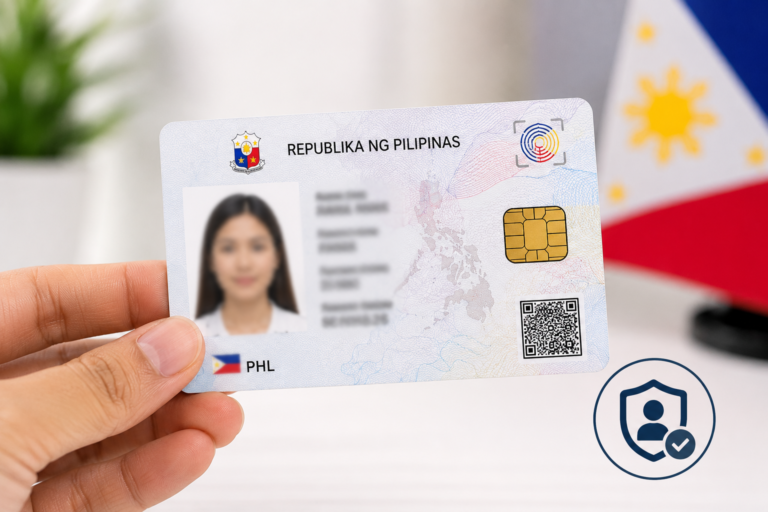
Your biometric data (fingerprints and iris scan) is stored in the PhilSys Registry, a secure government database managed by the PSA. This data is not shared with private companies and is only accessed for identity verification through the official PhilSys authentication system. The physical card itself does not store raw biometric data — only a QR code that links to your PSN record.
NationalIDDigital.ph is an independent information resource maintained by Filipino writers and researchers. We are not affiliated with the PSA, PhilSys, PHLPost, or any Philippine government agency. Our goal is to publish clear, accurate, and regularly updated guides to help Filipinos understand and complete the National ID process. All information is sourced from official PSA announcements, the PhilSys implementing rules, and verified user experiences. Always cross-check important details with the official PSA website.
These are the questions we receive most often from Filipinos going through the PhilSys process.
Disclaimer — Independent Information Site
NationalIDDigital.ph is an independent, privately operated information website. It is not affiliated with, endorsed by, or in any way connected to the Philippine Statistics Authority (PSA), the PhilSys National ID program, PHLPost, or any Philippine government agency or office. All trademarks, logos, and government program names are the property of their respective owners.
Information on this site is provided for general reference only and may not reflect the most current PSA policies or procedures. Always verify important requirements directly with the official philsys.gov.ph portal or your nearest PSA office before your appointment. We do not collect, store, or process any personal identification information submitted through this website.
© 2026 NationalIDDigital.ph — Independent Guide · Privacy Policy · Disclaimer · Contact