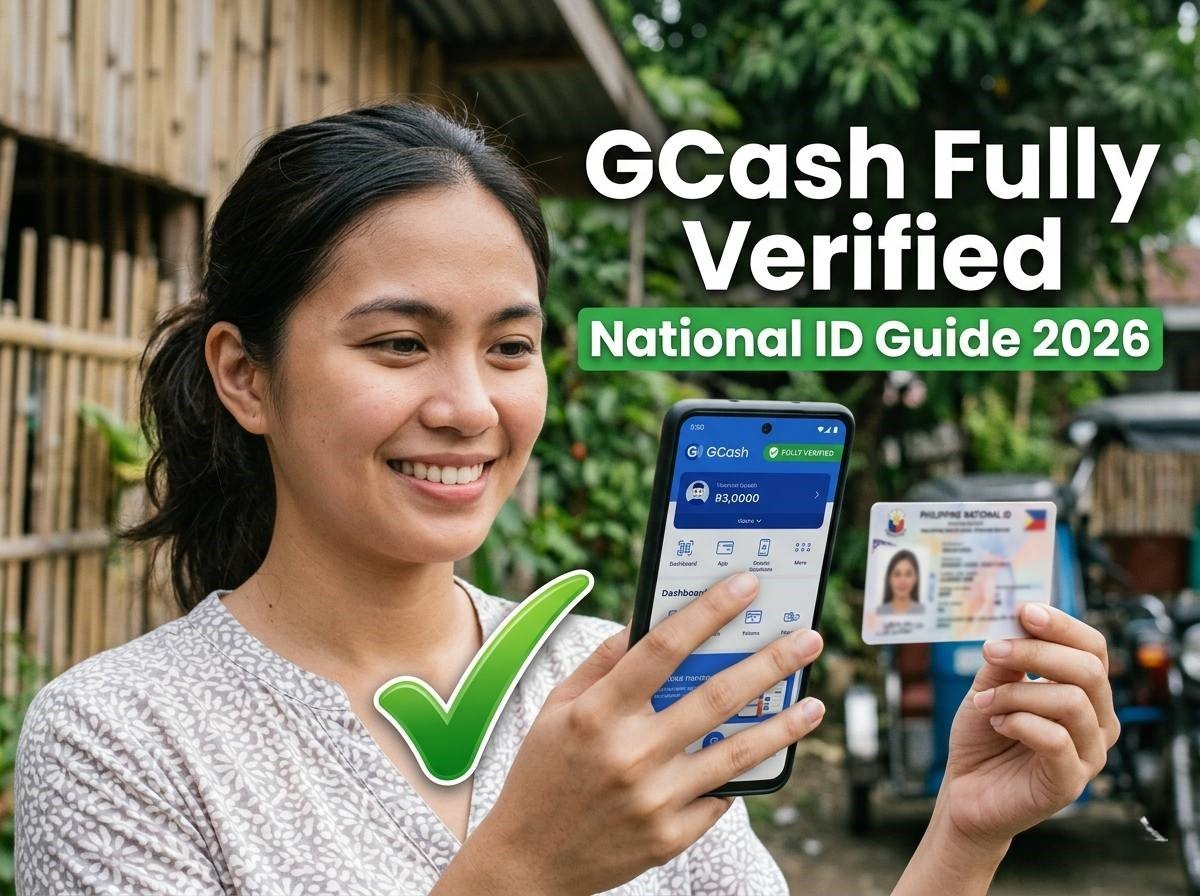
National ID for GCash Verification: Easy Step-by-Step (2026)
Am I Ready to Verify? Check Your ID Format
Select what you currently have, and this will tell you exactly what to prepare.
function render() { var key = document.getElementById("format-select").value; var f = FORMATS[key]; document.getElementById("readiness-result").innerHTML = '
'; } document.getElementById("format-select").addEventListener("change", render); render(); })();
What Full Verification Unlocks
| Feature | Basic | Fully Verified |
|---|---|---|
| Monthly wallet limit | ₱8,000 | ₱100,000 |
| Send to bank | Not available | Available |
| GCredit | Not available | Unlocked |
| GSave | Not available | Unlocked |
| GInvest | Not available | Unlocked |
| With a linked bank account | — | Up to ₱500,000 |
Step-by-Step: Verifying with Your National ID
- Find good lighting. Natural daylight works best for both the ID scan and face check.
- Open GCash and go to your Profile tab.
- Tap “Verify Now” or “Get Fully Verified.”
- Select “National ID” from the list of accepted primary IDs.
- Scan or upload your ID — check the readiness tool above for what your specific format needs.
- Complete the live face scan. Remove masks, hats, or dark glasses; blink or turn your head as prompted.
- Submit. Most National ID verifications clear in 5–10 minutes.
Verifying as a Minor (17 and Under)
GCash allows minors to verify using a Student ID instead of a government-issued ID, but it requires parental consent: a clear photo of the parent’s own valid ID, plus their registered GCash mobile number, submitted alongside the Student ID.
Frequently Asked Questions
Can I verify my GCash with a National ID?
Yes, in all three formats — see the readiness checker above.
How to verify GCash using a Student ID?
Only for minors 17 and under, with parental consent — see the minors section above.
Why is GCash not accepting my ID?
Usually one specific, fixable issue — see our dedicated troubleshooting guide for the full diagnosis.