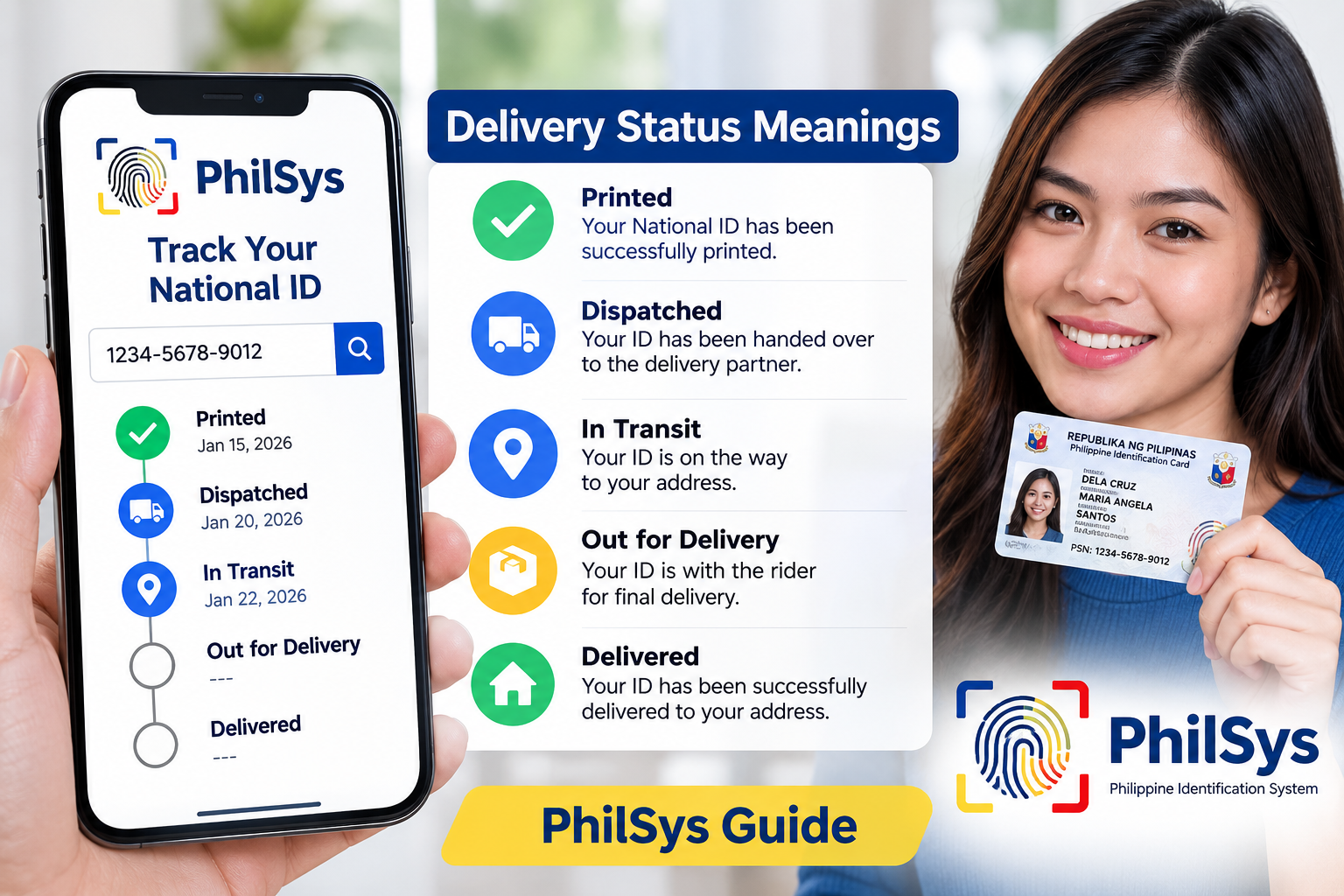
National ID Status Codes: What Every PhilSys & PHLPost Status Means (2026)
Last updated: July 2026
Every National ID status code — whether it appears on the PSA PhilSys portal or the PHLPost tracking site — refers to a specific stage in card production or delivery, not a live location update. This page is a quick-reference glossary: look up your exact status below to see what it means and what (if anything) to do next.
Quick answer: There are 7 status codes you’ll commonly see — Pending, For Printing, Printed/Ready for Dispatch, Dispatched/In Transit, Delivered, Returned to Sender, and Status Not Found. Only two of these (Returned to Sender and Status Not Found) require you to take action yourself.
National ID Status Codes at a Glance
| Status Code | What It Means | Action Needed? |
|---|---|---|
| Pending / For Processing | Card not yet printed; still in production queue | No — wait |
| For Printing | Entered the print queue (not necessarily printing right now) | No — wait |
| Printed / Ready for Dispatch | Card produced, awaiting handover to PHLPost | No — watch for SMS |
| Dispatched / In Transit | Card is with PHLPost, moving through the postal network | No — track via PHLPost |
| Delivered | Marked as handed to recipient or authorized receiver | Only if you didn’t actually receive it |
| Returned to Sender | Delivery attempt failed (bad address, no one home, unknown recipient) | Yes — visit your post office |
| Status Not Found / Blank | Record not yet uploaded, or wrong reference number/portal used | Yes — verify your TRN and portal |
Full explanations for each are below. For step-by-step instructions on actually locating your tracking number, see our National ID tracking guide.
Status Code Definitions
Pending / For Processing
Definition: Your card has not yet been printed and is sitting in the production queue. Some portals label this “For Card Generation” or “In Process” instead.
This stage commonly lasts weeks to months and is not a sign of a problem. If it’s been unusually long for your region, compare timelines in our delivery delay guide.
For Printing
Definition: Your card has entered the physical card production stage. This reflects a queue position, not an active print job happening at that moment.
Printed / Ready for Dispatch
Definition: Card production is complete and it’s awaiting handover to PHLPost. It may sit in a batch briefly before a courier picks it up.
Dispatched / In Transit
Definition: The card has been handed to PHLPost and is moving through the postal network — the card is now physically on its way to you. “Dispatched” and “In Transit” are generally used interchangeably.
You should receive an SMS with a PHLPost parcel number at this stage. Use it on PHLPost’s tracking site for finer-grained updates.
Delivered
Definition: The postal carrier marked the card as successfully handed to the recipient or an authorized receiver at your registered address.
Occasional discrepancies happen — a card can be marked delivered but left with a neighbor, or scanned prematurely. If you haven’t actually received it, contact your local post office within 48 hours with your tracking number.
Returned to Sender / Unsuccessful Delivery
Definition: PHLPost attempted delivery but couldn’t complete it — usually an incomplete address, no one available to receive it, or the recipient being unknown at that address.
This is the one status that requires action. See our full walkthrough: what to do if your National ID is returned to sender.
Status Not Found / Blank
Definition: The portal shows no status, or a “No record found” message. This usually means the record hasn’t been uploaded yet, or you’re entering the wrong reference number on the wrong portal (TRN on PSA vs. parcel number on PHLPost — they’re not interchangeable).
Delivery Status vs. Application Status — Don’t Confuse the Two
A delivery status only begins once your card has been produced. It’s separate from your application status, which covers earlier steps like registration, biometrics capture, and demographic verification. If you’re looking for something like “Step 2 completed,” you need the PhilSys application tracker, not the delivery tracker described here — see where to find each tracker.
Why Hasn’t My Status Changed?
Statuses update only when your card moves to the next stage — not continuously. Seeing “Pending” for 8+ weeks simply means it’s still in that queue. This is regionally variable; for expected timeframes by stage, see how long National ID delivery takes.
Frequently Asked Questions
Q: What does “Pending” mean for a National ID status code?
A: Your card hasn’t been printed or dispatched yet — a normal waiting stage.
Q: Is “In Transit” different from “Dispatched”?
A: No — both mean the card is with PHLPost and moving through the delivery network.
Q: My status says “Delivered” but I never got the card. What now?
A: Contact your local post office immediately with your tracking number — cards are occasionally marked delivered prematurely.
Q: Where do I check the official National ID status code?
A: Use the PSA PhilSys portal with your TRN, or the PHLPost site with the parcel number sent via SMS.
Q: What does “Returned to Sender” mean and what should I do?
A: Delivery failed — usually due to an incomplete address or no one available to receive it. Visit your local post office with a valid ID to claim it.
Disclaimer: NationalIDDigital.ph is an independent resource and is not affiliated with the PSA, PhilSys, or PHLPost. Always verify delivery details with official government channels.